

Mastering Microsoft 365 & Azure—One Insight at a Time
Welcome to McCloud Cloud, your technical hub for navigating the depths of Microsoft technologies. Whether you’re optimizing Exchange environments, fortifying security posture, or decoding compliance frameworks, this blog delivers expert-level guidance with clarity and precision.
🔍 Focused Expertise
- Microsoft Exchange: Hybrid setups, mail flow, and migration strategies
- Security & Compliance: Microsoft Purview, Defender, and regulatory alignment
- M365 & Azure: Automation, architecture, and real-world implementation tips
🧠 Built for IT Pros From PowerShell scripts to policy walkthroughs, every post is crafted to empower admins, architects, and security leads with actionable knowledge.
- Error: A window handle must be configured.If you are trying to connect to Exchange Online and getting this error Error Acquiring Token: A window handle must be configured. See https://aka.ms/msal-net-wam#parent-window-handles Here is the Solution: Important: RUN… Read more: Error: A window handle must be configured.
- How to change ImmutableID for a DircSynced User.
 During a running project, we were facing a problem with a provisioning of an AzureAD-User and his mailbox. During first Dir-Sync user got a provisioning error and could not be… Read more: How to change ImmutableID for a DircSynced User.
 - How to setup Exchange calendar availability sharing without any relationship or trust
 In my article about Autodiscover and calendar Availability you can find all prerequisites for calendar availability from architectural perspective. In this article I will explain how to configure this feature… Read more: How to setup Exchange calendar availability sharing without any relationship or trust
🏛️ Demystify Exchange resource forest
Demystifying Configuration, Operations, and Decommissioning
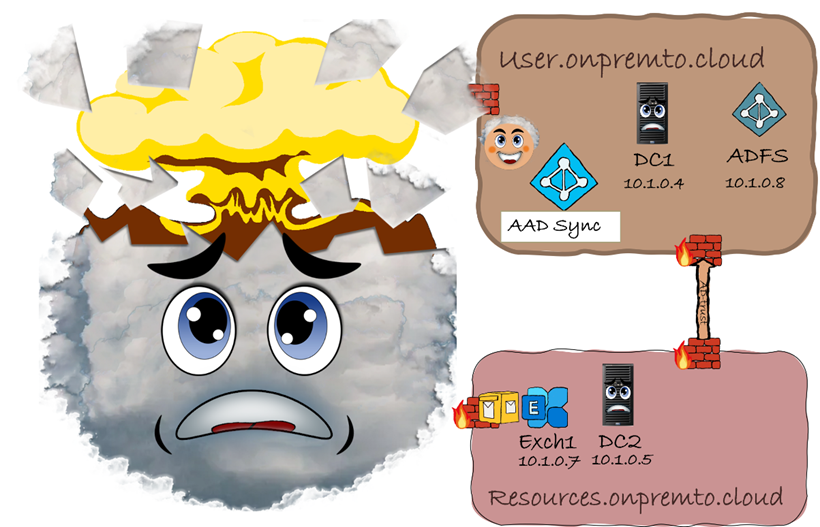
The Exchange Resource Forest—a powerful yet often misunderstood architecture—offers a strategic way to isolate, centralize, and scale Microsoft Exchange deployments in complex enterprise environments. By separating user accounts from Exchange resources across distinct Active Directory forests, this topology enhances security, simplifies administration, and supports multi-forest collaboration.
In this article, I’ll walk you through the full lifecycle of an Exchange Resource Forest deployment:
- 🔧 Configuration: How to design and implement a secure, scalable resource forest
- 🔄 Operations: Best practices for managing cross-forest mailboxes and hybrid coexistence
- 🧹 Decommissioning: What to consider before you deploy—because rollback isn’t easy
Whether you’re planning a multi-forest consolidation, navigating compliance boundaries, or preparing for a cloud migration, this guide will help you understand the benefits, trade-offs, and critical design decisions behind one of Exchange’s most advanced topologies.
📦 Demystify Exchange Migrations
A Deep Dive into On-Prem to Online Migration Scenarios
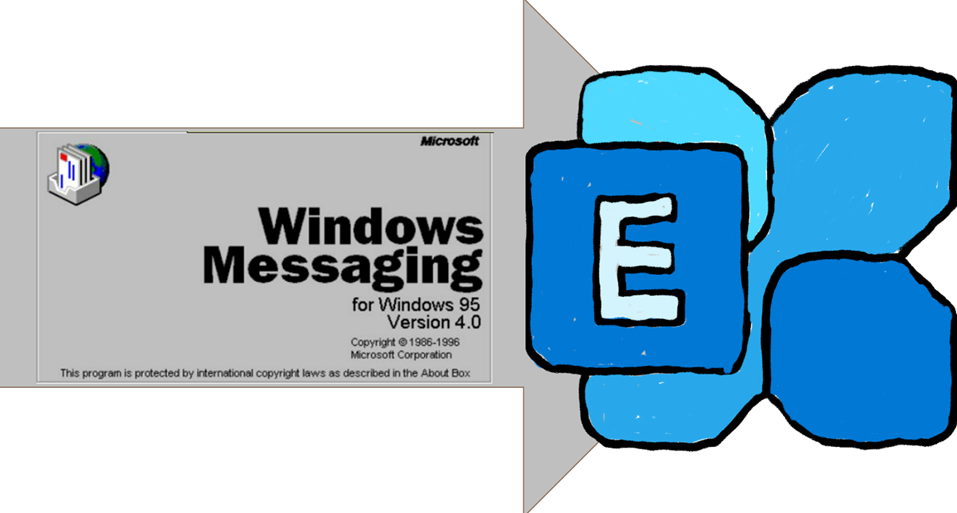
My very first Exchange version was V4.0, and my first migration—from V4.0 to Exchange 2000—was a true test of endurance. No documentation, no blog posts, no community forums. Just raw experience, shared wisdom, and a lot of manual work: resetting mailbox credentials, exporting to PSTs, importing to the new server, and configuring Outlook on every single machine.
Since 1996, I’ve been migrating mailboxes across every major Exchange version. And while the tools have evolved, the complexity remains.
In this article, I’ll take you through:
- Key migration scenarios from Exchange On-Prem to Exchange Online
- Strategic considerations for hybrid environments
- Common pitfalls and how to avoid them
- Lessons learned from decades of hands-on experience
Whether you’re planning your first cloud migration or refining your hybrid strategy, this guide will help you navigate the process with clarity and confidence.
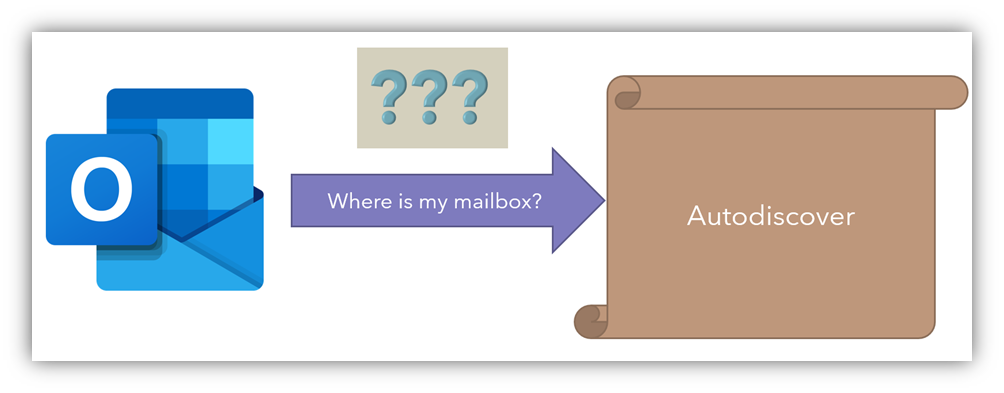
Autodiscover isn’t just a convenience—it’s the cornerstone of a seamless Microsoft Exchange experience. From effortless Outlook configuration to powering the behind-the-scenes magic of collaboration tools, Autodiscover delivers maximum usability for users and maximum capability for services.
In this article, I’ll take you deep into the mechanics of Autodiscover:
- How it works
- Why it matters
- What can go wrong
- And most importantly—how to troubleshoot it like a pro
Whether you’re managing hybrid environments, dealing with stubborn client issues, or just want to understand what makes Exchange tick, this guide will give you the clarity and confidence to master Autodiscover.
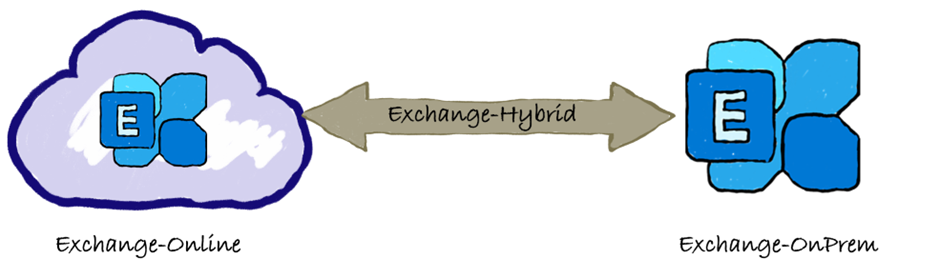
🔄 Demystifying Exchange Hybrid (HMA) Calendar Availability
Why Hybrid Modern Authentication is the Key to Seamless Collaboration
Back in 2008, Microsoft reimagined Exchange as a cloud service—not by launching flying datacenters, but by transforming mailbox hosting into a scalable, device-agnostic experience. With Exchange Online, users gained the freedom to sync emails, calendars, and contacts across devices without worrying about infrastructure or licensing.
But for many organizations, especially those bound by strict data residency laws, the cloud posed a challenge: how to embrace modern collaboration without moving mailboxes out of country?
That’s where Exchange Hybrid with Hybrid Modern Authentication (HMA) comes in.
In this article, I’ll break down:
- What Exchange Hybrid really means
- How HMA enables secure calendar availability across environments
- Why large enterprises rely on hybrid setups to balance compliance and usability
- Troubleshooting tips for calendar sync and availability issues
Whether you’re planning a hybrid deployment or optimizing an existing one, this guide will help you understand the architecture, avoid common pitfalls, and deliver a seamless user experience.
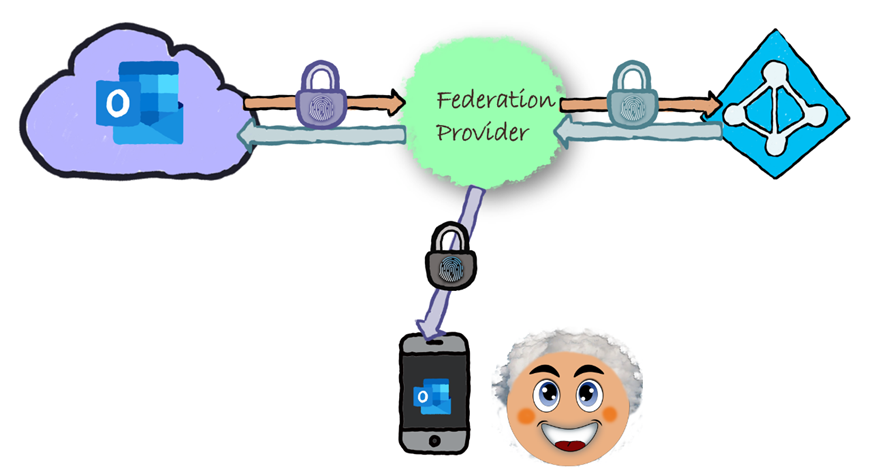
An Overview for Microsoft 365 and Federated Identity Scenarios
In modern identity architectures, claims are more than metadata—they’re the keys to access, personalization, and security. Custom claim rules empower administrators to define logic-driven transformations that tailor a user’s identity to fit specific organizational needs.
In this article, I’ll walk you through the foundational concepts of custom claim rules, including:
- Filtering or removing sensitive claims before token issuance
- Modifying claim values through mapping, formatting, or concatenation
- Adding new claims derived from logic, algorithms, or external sources
- Enforcing fine-grained authorization policies using dynamic attributes
- Ensuring compatibility across federated identity providers
This is not a deep technical dive, but a strategic overview to help you understand how custom claim rules support secure, flexible, and scalable identity management across Microsoft 365 and hybrid environments.

Bridging On-Prem and Cloud for Seamless Endpoint Management
In enterprise environments where “Cloud-Only” isn’t an option, Hybrid-Join becomes a critical enabler. Simply put, a hybrid-joined computer is a domain-joined device from your local Active Directory that’s synchronized to Azure Active Directory. Matched by DeviceID, these endpoints gain secure access to both cloud and on-prem resources—without the need for VPN.
In this article, I’ll explain:
- What hybrid-join really means
- Why it’s essential for large-scale environments with legacy infrastructure
- How it supports Microsoft Endpoint Manager as your MDM authority
- Its role in Azure AD Conditional Access policies
- Why it’s a prerequisite for onboarding Windows Defender for Endpoint
Hybrid-join isn’t just a checkbox—it’s the foundation for managing devices, enforcing compliance, and securing access across hybrid landscapes. If you’re planning to modernize your endpoint strategy while retaining on-prem control, this guide is for you.
🛡️ Demystify identity provider
A Strategic Overview for Cloud and Hybrid Computing
In today’s interconnected enterprise landscape, identity is the new perimeter—and the Identity Provider (IdP) stands at its gate. Acting as a trusted authority, the IdP authenticates users, issues secure tokens, and enables seamless access to applications and resources across networks.
In this article, I’ll provide a high-level overview of Identity Providers, focusing on their role in cloud and hybrid environments. You’ll learn:
- What an IdP is and how it works
- How it facilitates secure authentication and authorization
- Why it’s essential for Single Sign-On (SSO) scenarios
- How it builds trust between users and service providers
- Where it fits into modern identity strategies for Microsoft 365 and Azure
This is not a deep technical guide, but a strategic primer for IT professionals, architects, and decision-makers who want to understand the foundational role of IdPs in modern infrastructure.
🌐 Demystify federation service / provider
A Strategic Overview for Cloud and Hybrid Identity Management
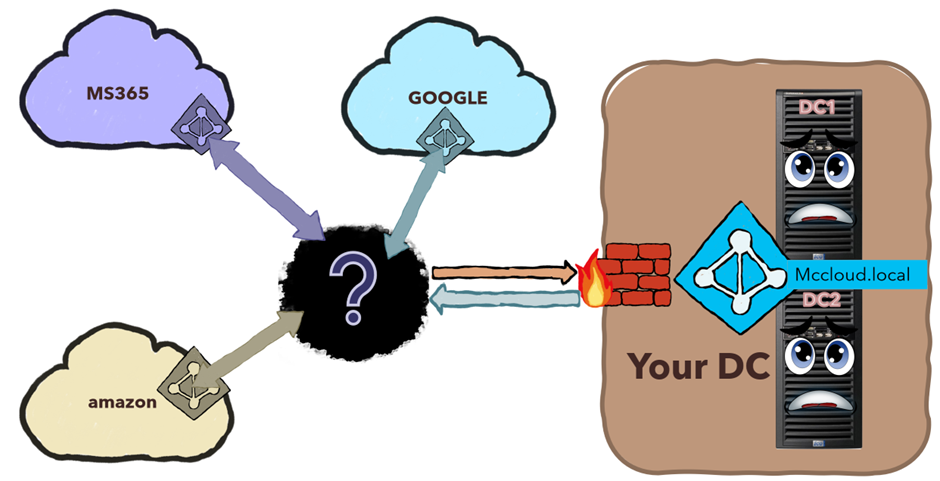
In distributed enterprise environments, identity doesn’t live in one place—it flows across systems, organizations, and trust boundaries. That’s where Federation Providers come in.
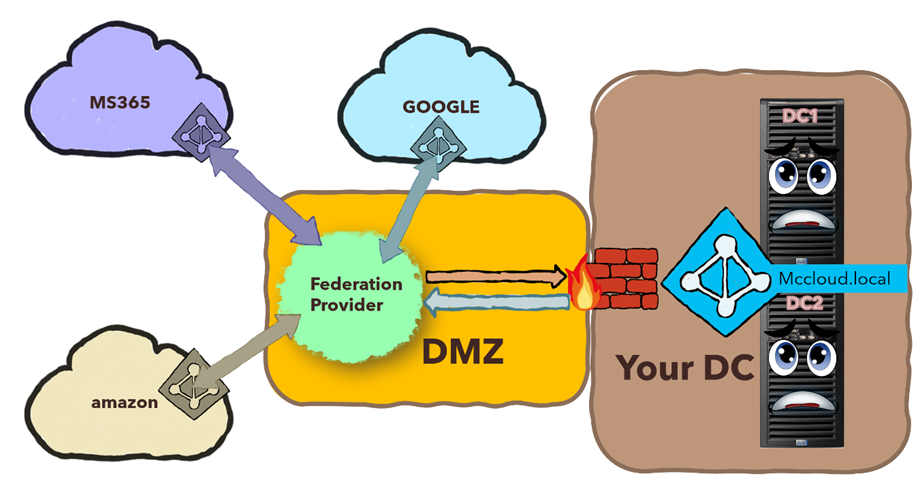
A Federation Provider acts as a bridge between identity systems, enabling secure authentication and authorization across different domains, platforms, or organizations. It plays a critical role in hybrid and cloud scenarios by translating and validating identity claims, ensuring users can access resources regardless of where their credentials originate.
In this article, I’ll provide a high-level overview of Federation Providers, including:
Where they fit into Microsoft 365 and Azure AD architectures
Their role in enabling cross-domain trust
How they support Single Sign-On (SSO) across hybrid environments
Why they’re essential for integrating on-prem identity with cloud services